Second monitor: productivity by day, map and Discord by night
Real-time information changes any operation — whoever monitors multiple sources reacts before whoever alternates between them. The second monitor is exactly that: artificial peripheral vision. And like every powerful tool, it pays according to its owner's discipline.
The night use case
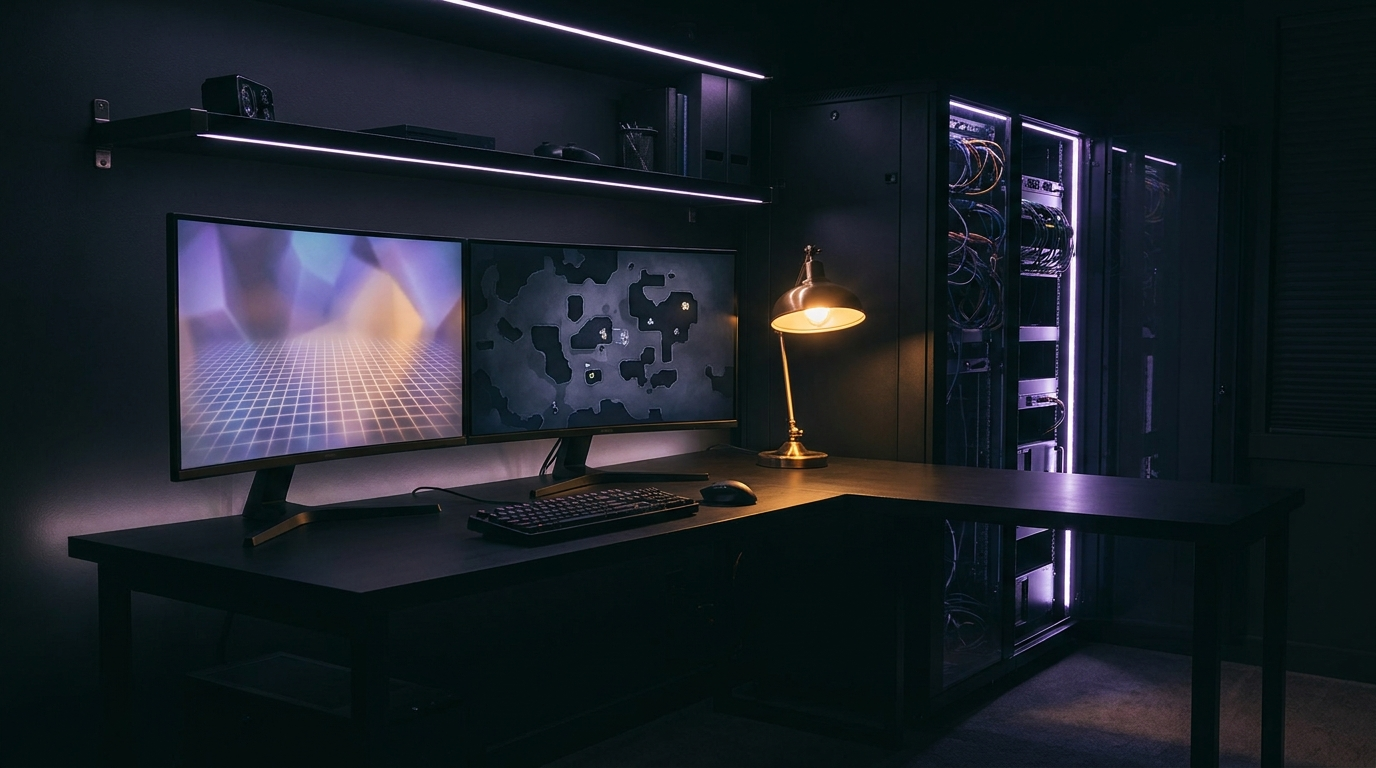
In game, the secondary screen is the mission panel: the open world's interactive map, the build consulted without alt-tab, the stream chat, the squad's Discord, the playlist. The real gain is the death of alt-tab — every window switch in game is a micro-cut of immersion and, online, a risk. For streamers it stops being luxury and becomes infrastructure: game on one screen, control panel and chat on the other.
The day use case
By day, the math is known and brutal: reference on one side, work on the other; meeting on one screen, notes on the other. Multi-monitor productivity research is old and consistent — the reduced cost of context switching pays for the hardware within months. The same equipment serves both lives; few setup investments work two shifts.
The correct configuration
Clear hierarchy: the main display (bigger, better, faster) centered on your eye axis; the secondary on your dominant side, slightly angled — never two equals side by side with you staring at the bezel gap. Top-edge alignment between screens spares the neck. The secondary doesn't need nobility: an honest 24" IPS at 60-100Hz serves with room to spare; a retired old monitor is the perfect candidate. Articulated arms free the desk and pay for themselves in space. And the golden rule of competitive play: static content on the second screen during ranked — moving video in your periphery is voluntary sabotage of your own attention.
The honest warning
The second monitor amplifies what you already are: focus becomes an operations command; distraction becomes two screens of it. The tool doesn't choose its owner. Configure the night for the mission, the day for the craft — and the extra screen will be the desk's most quietly indispensable ally.
— From the shadows, DKG.
🦇 The Knight's Recommended Arsenal
As an affiliate, I may earn a commission from purchases made through the links below — at no extra cost to you. Learn more.
AOC 24G4 180Hz Monitor
The loyal squire to any main display.
HUANUO Dual Monitor Arm
Two arms, free desk.
ARZOPA 15.6" Portable Monitor
The second screen that travels along.
Anker USB-C Hub
One cable, complete station.
Quntis Monitor Light Bar
Even lighting for the extended frame.

The Knight
Editor, Dark Knight Gaming
DKG's editorial vigilante. Covers gaming culture, hardware and the industry from the city's shadows — with method, skepticism and zero clickbait.
About the project →Related
Battlestation in the shadows: the definitive modern lair guide
A dark setup isn't aesthetics — it's doctrine. Less glare, more focus, total immersion. Here's how I would build my vigil station today.
Gaming room acoustics: better sound without buying hardware
You blame the headset, the mic, the sound card. But the suspect nobody interrogates is all around you: the room itself. And it can be fixed almost for free.
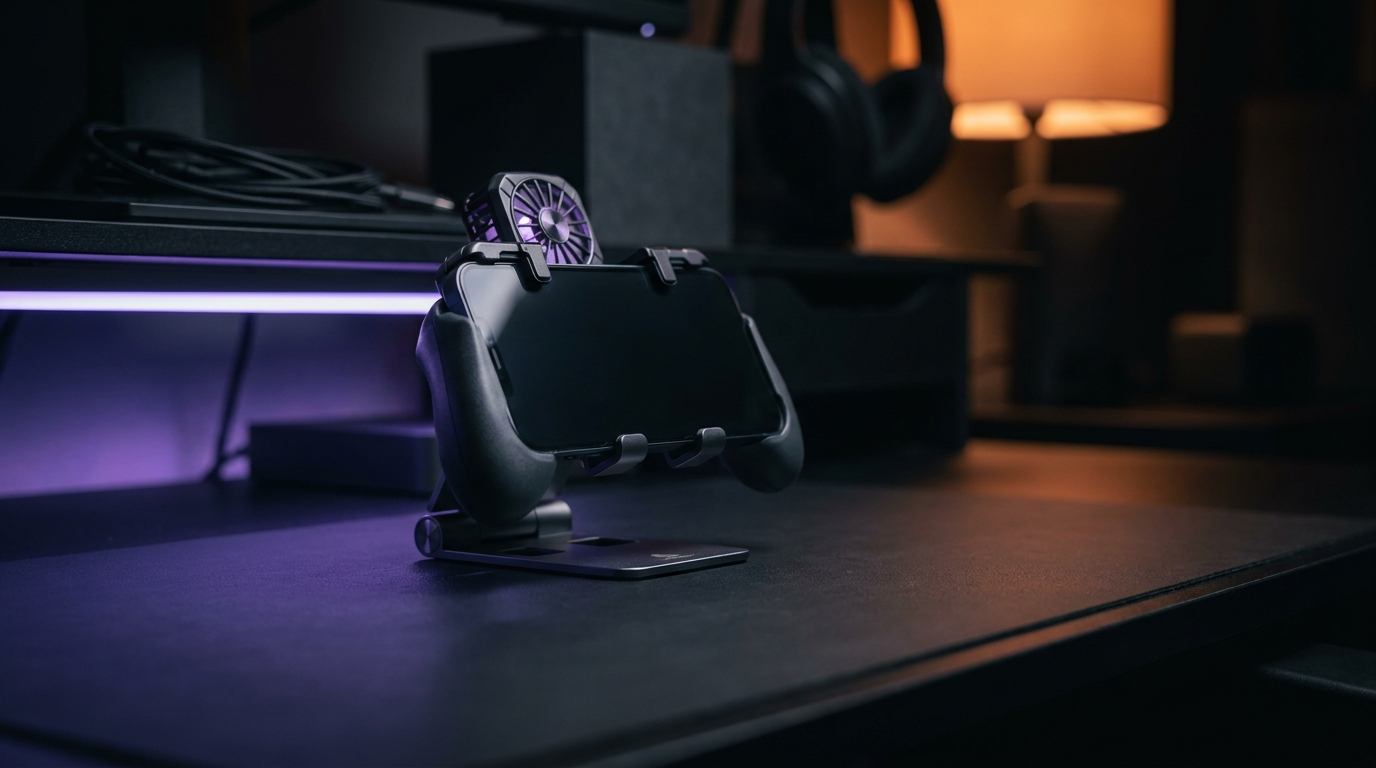
Mobile setup: a competitive corner for phone players
The phone is one of the biggest gaming platforms on the planet — yet it's still treated as a pocket toy. Whoever competes on mobile deserves a station worthy of it.